Tags are labels for links. Use them to describe topics, technologies, status, people, projects, or any other category you want to search and filter by later.
Unlike lists, tags do not need to represent a curated collection. A link can have many tags.
View Tags
The tag overview shows all tags with their link count.
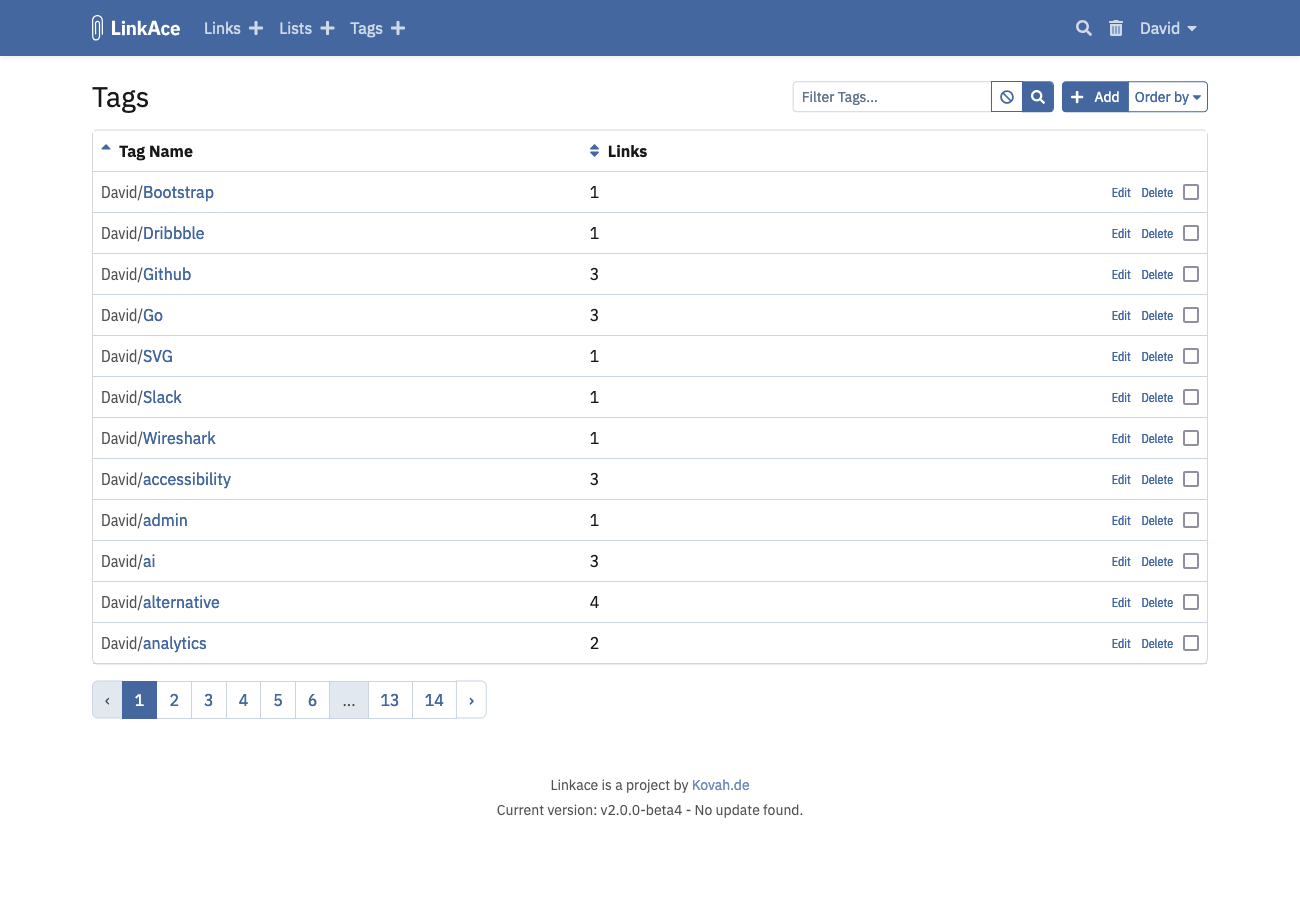
Open a tag to see links using that tag.

Create a Tag
You can create tags in two places:
- from the Tags menu,
- directly from the link form while adding or editing a link.
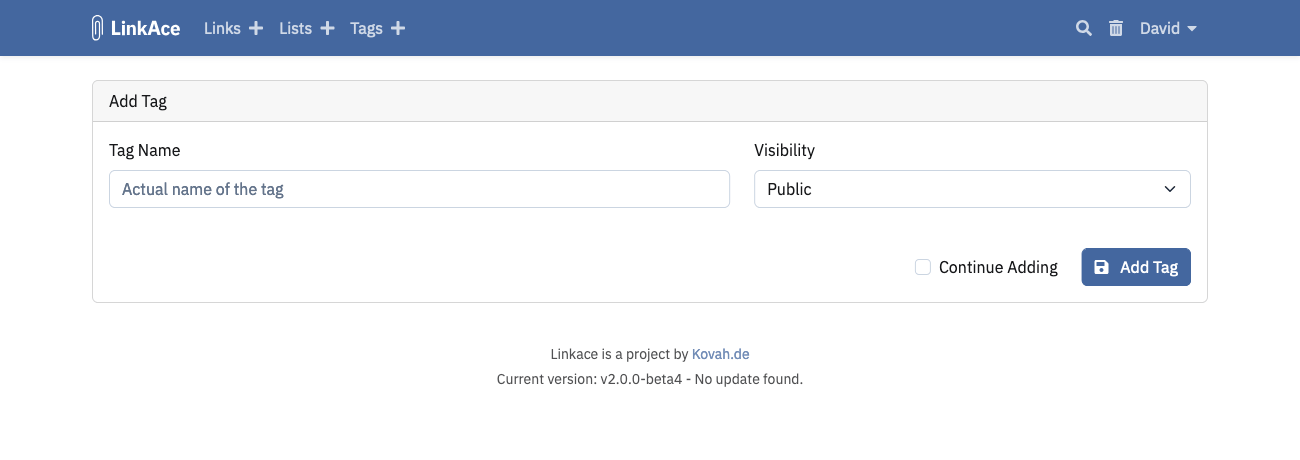
Use the dedicated tag form when you want to set visibility immediately.
Tag names cannot contain commas.
Add Tags to Links
Open a link and edit its Tags field, or add tags while creating the link. Existing tags are suggested while typing.
LinkAce may also suggest tags from website metadata after you enter a URL in the link form.
For several links at once, use bulk editing on the link overview. See Links.
Share Tags
Tag visibility controls who can see the tag itself. The links using that tag also need compatible visibility.
- Private tags are visible only to you.
- Internal tags are visible to logged-in users.
- Public tags can be visible to guests when guest access is enabled.
See System Settings for guest access.
Common Problems
- A tag is visible but some links are missing: check the visibility of the links using the tag.
- Guests cannot see a public tag: confirm guest access is enabled.
- A tag name cannot be saved: remove commas from the tag name.
