Trash protects you from accidental deletion. Links, lists, tags, and notes are moved to the trash first instead of being deleted permanently.
Use trash when you need to restore something that was deleted by mistake or permanently remove deleted items after confirming they are no longer needed.
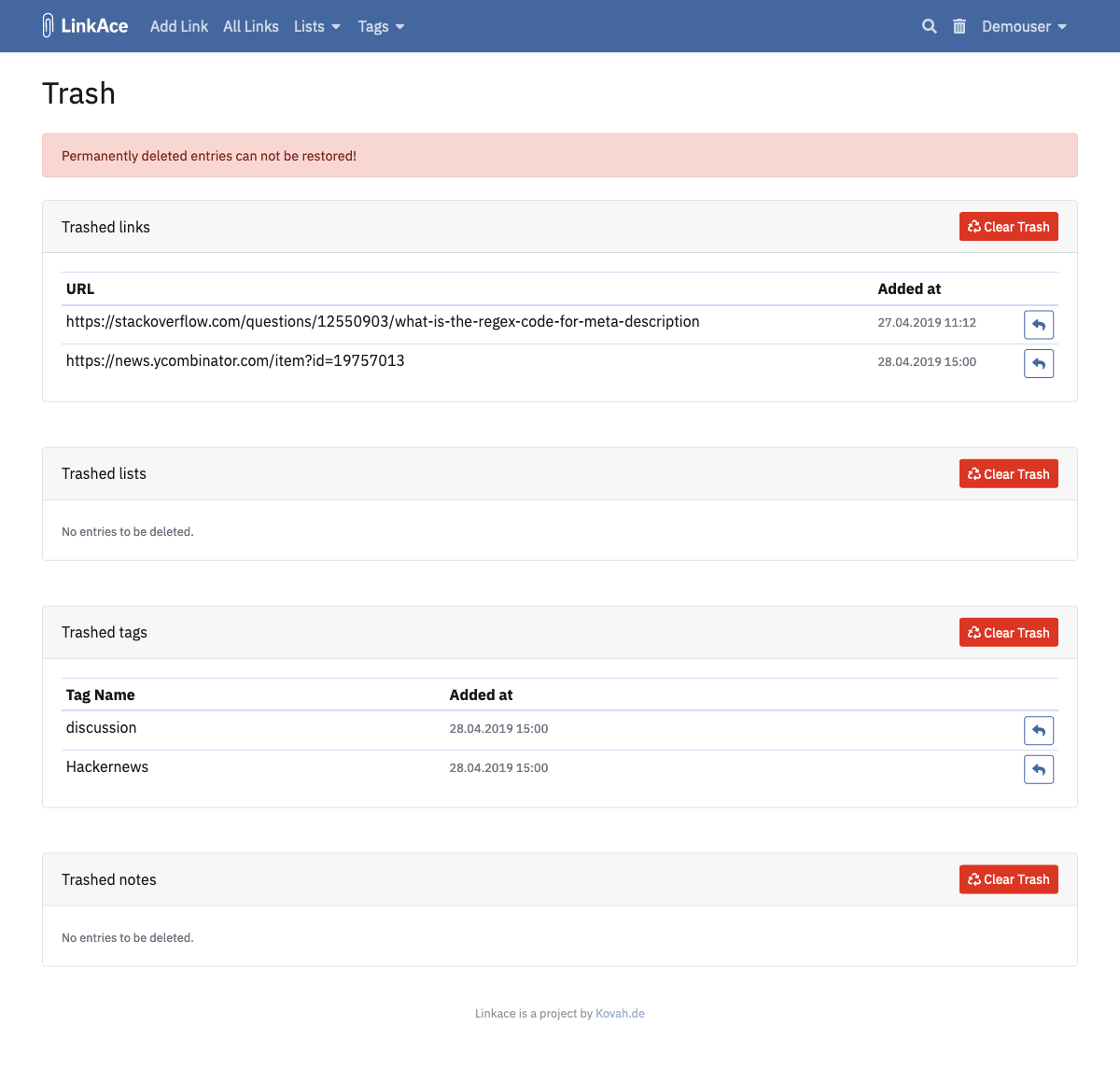
Restore Items
- Open Trash from the menu.
- Find the deleted item.
- Click the restore button beside it.
The item becomes available again after it is restored.
Permanently Delete Items
Use Clear Trash for the relevant item type to permanently delete items in that section.
There is no single “clear everything” action, so each type must be cleared separately.
Permanent deletion cannot be undone from LinkAce. Make sure you have a usable backup before clearing trash if the data may still matter.
Common Problems
- A restored item is still not visible to guests: check its visibility and guest access settings.
- You deleted something permanently: restore it from an application backup if one exists.
